
How Hackers Hide Backdoors in PNG Images (And How to Protect Your Website)
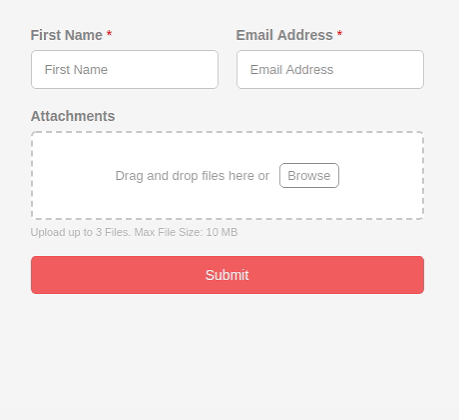
File uploads are common website features, from profile pictures to document submissions. But what happens when an innocent .png image is actually a Trojan horse giving an attacker full control over your server?
This attack is known as a File Upload Vulnerability. Hackers use clever Hex Code manipulation to bypass security filters.
How Does the Magic Bytes Trick Work?
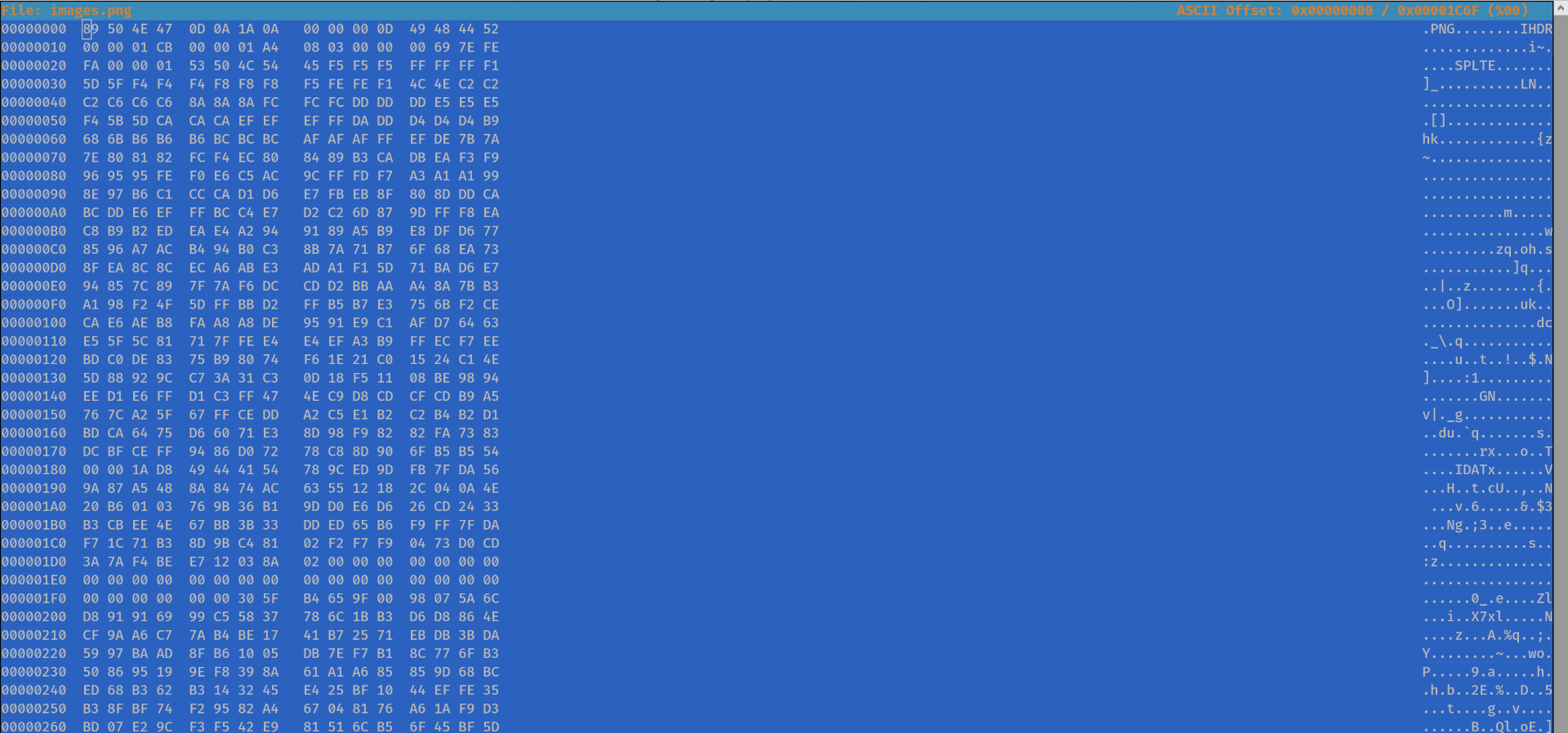
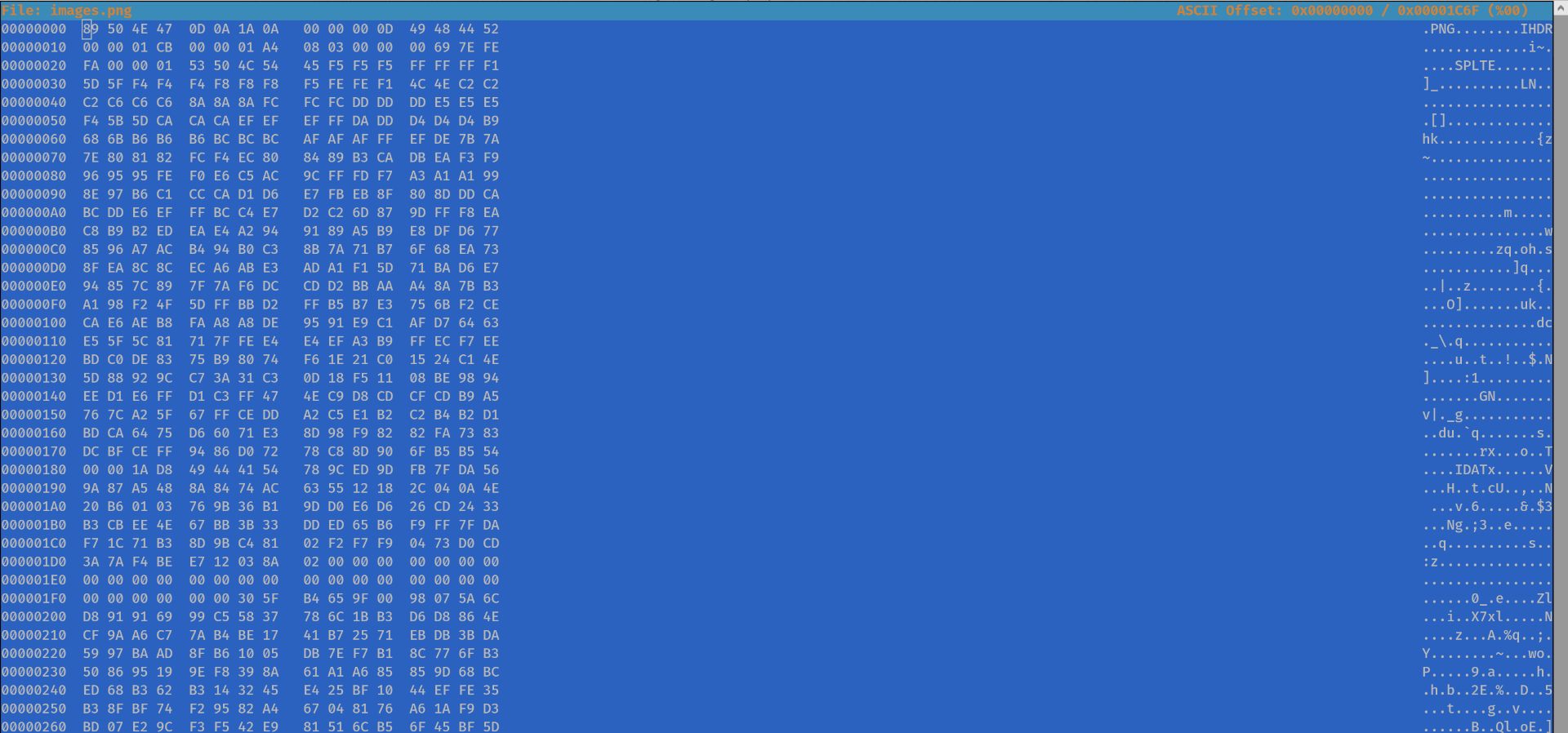
Computer systems and servers do not identify file types solely by extensions like .jpg or .png. They read the file's initial bytes, known as Magic Bytes. A PNG image's Hex code always starts with 89 50 4E 47.
An attacker can take a malicious PHP script specifically a Reverse Shell that provides terminal access to your server and inject PNG Magic Bytes at the beginning of the file.
When this file is uploaded, weak validation mechanisms that only check the header or MIME type are fooled. Your server identifies it as a valid PNG and saves it. If the attacker then forces the server to execute it as a .php file, your website is fully compromised.
How to Protect Yourself From This Attack?
Never trust user input. When handling file uploads, take these advanced steps:
- Re-creating images: Use libraries like GD in PHP to process and recreate every uploaded image. This automatically strips any malicious code hidden in metadata or the end of the file.
- Blocking execution: Configure your server, such as Apache or Nginx, to prevent the execution of PHP scripts within your uploads directory.
- Storage outside the Web Root: Store uploaded files in a directory that cannot be accessed directly via a public URL.
Cybersecurity is not black and white. Treat every input as a potential threat until proven otherwise.